Why your stock numbers drift, and how Demeter Inventory keeps them honest
Every kitchen has had this moment. The system says there's 6 kg of chicken thigh. The chiller says 2. Someone shrugs, overwrites the number, and the day moves on.
The gap never comes from one big mistake. It builds up from small things nobody wrote down. If you know where it comes from, you can stop it from coming back.
Where the gap comes from
Most stock drift comes from four places.
- Sales that never touch stock. The POS knows you sold 40 plates of chicken rice. Your stock sheet doesn't, unless someone works out the chicken, rice and stock behind each plate.
- Waste nobody logged. A dropped tray, a batch that went off, trim from prep. It's gone from the shelf but not from the system.
- Deliveries that don't match the order. The supplier sent 8 kg instead of 10, or the price went up. If the order is just ticked off as received, the numbers are wrong from the moment it arrives.
- Counts that don't line up. One person counts in grams, another in kilos. Or the count happens while a delivery is being unpacked.
None of these are hard to fix on their own. The hard part is fixing all of them, every day, without adding hours of admin.
How Demeter Inventory closes each gap
Demeter Inventory is built around one idea: every change to your stock should have a reason you can see.
Recipes turn sales into stock usage
You build a recipe once: which ingredients a dish uses, and how much goes into each portion, whether that's a half, a whole or a 10-pax platter. Then you link it to the dish in Eats365.
Every night, yesterday's sales are run through those recipes and the ingredients are deducted. Set menus work too. Inventory shows you the dishes actually sold inside each set, so you can link them to the right portion.
Deliveries are checked against the order
When goods arrive, you receive them against the purchase order. You enter what actually turned up, anything that arrived spoiled, and the real price from the invoice.
If the delivery is short, the missing lines stay open for later. If the price changed, your ingredient cost updates. Your food cost follows real prices, not last month's quote.
Waste gets logged when it happens
The Waste Log takes a few seconds: pick the ingredient, enter the amount, choose a reason such as spoilage, prep trim or dropped. It comes straight off your stock, and you can see what waste has cost you today.
That one habit explains most of the gaps you'd otherwise find at month end.
Counts are short, regular and checked before they post
Stock is grouped into cost centres, the areas you actually count, like the kitchen, the bar or the dry store. Each one has its own schedule, and the dashboard tells you which are overdue.
During a count, every item starts at the system quantity, so your team only changes what's different. Before anything is posted, you see the difference in quantity and in dollars. A big drop is a prompt to check the Waste Log before you accept it.
Every number has a history
Open any ingredient and you'll see every movement behind its quantity: sales, deliveries, waste, counts and manual adjustments, with who made each one and when. When something looks off, you look it up instead of guessing.
Ordering gets easier as a side effect
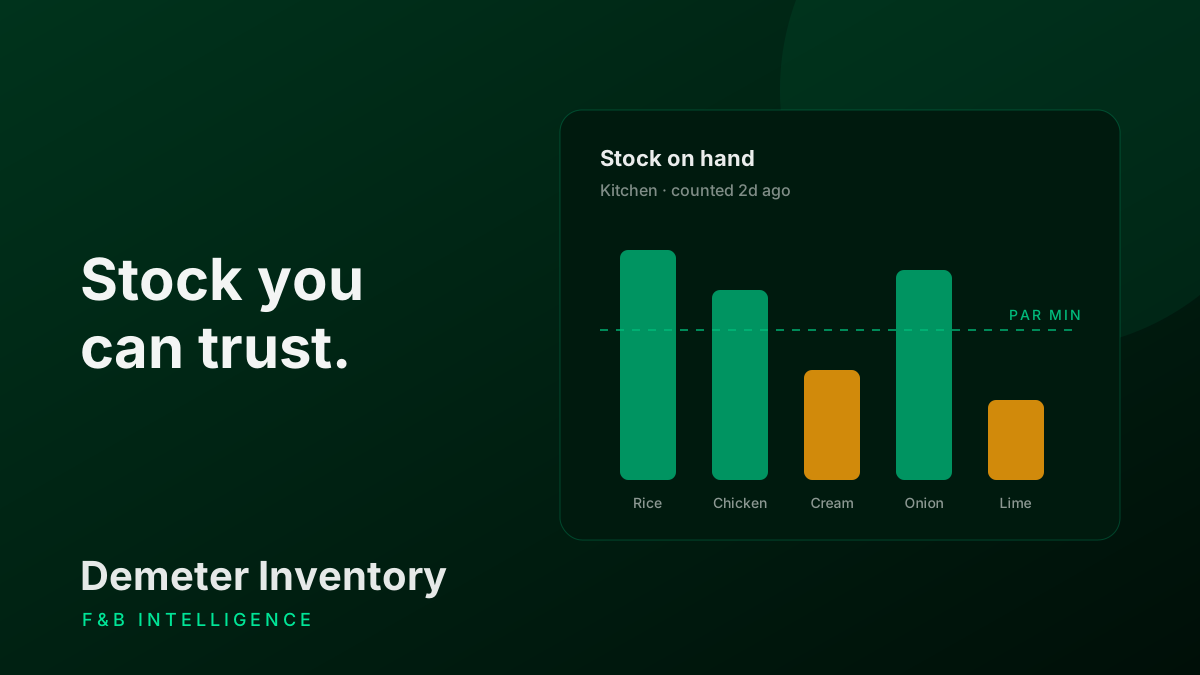
Once your stock numbers can be trusted, reordering stops being guesswork. Each ingredient has a par level: when to reorder, and how much to top up to. Anything below par shows up as a suggested order, grouped by supplier.
You check the quantities, create the purchase order and copy it straight into WhatsApp for your supplier. When it arrives, you receive it against that same order, and the loop closes.
You can also just ask. AI Sifu answers questions like "What should I reorder today?" or "What's our waste cost this week?" using your live Inventory data.
Getting started
You don't need to type in hundreds of ingredients by hand.
- Bring your list to your onboarding meeting. The Demeter team will import it for you.
- Or do it yourself. The setup wizard walks you through your cost centres, suppliers, ingredients and recipes, and the app includes a sample CSV so your spreadsheet is in the right shape.
Then invite your team, run one full count to confirm your opening stock, and you're live.
The Demeter Inventory docs walk through each step, starting with setting up your outlet. If you'd like to see it with your own menu and suppliers, book a demo.